Visual Studio Code
简介
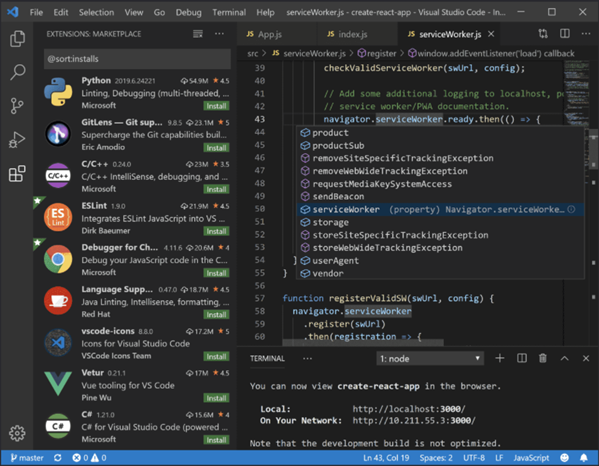
由微软开发且跨平台的免费源代码编辑器,官方链接 。该软件支持:
•语法高亮
•代码自动补全(IntelliSense)
•代码重构
•查看定义功能
•内置命令行工具
•Git 版本控制系统
用户可以更改主题和键盘快捷方式实现个性化设置,也可以通过内置的扩展程序商店安装扩展以拓展软件功能。
 )
)
推荐的扩展插件
C/C++ Intellisense
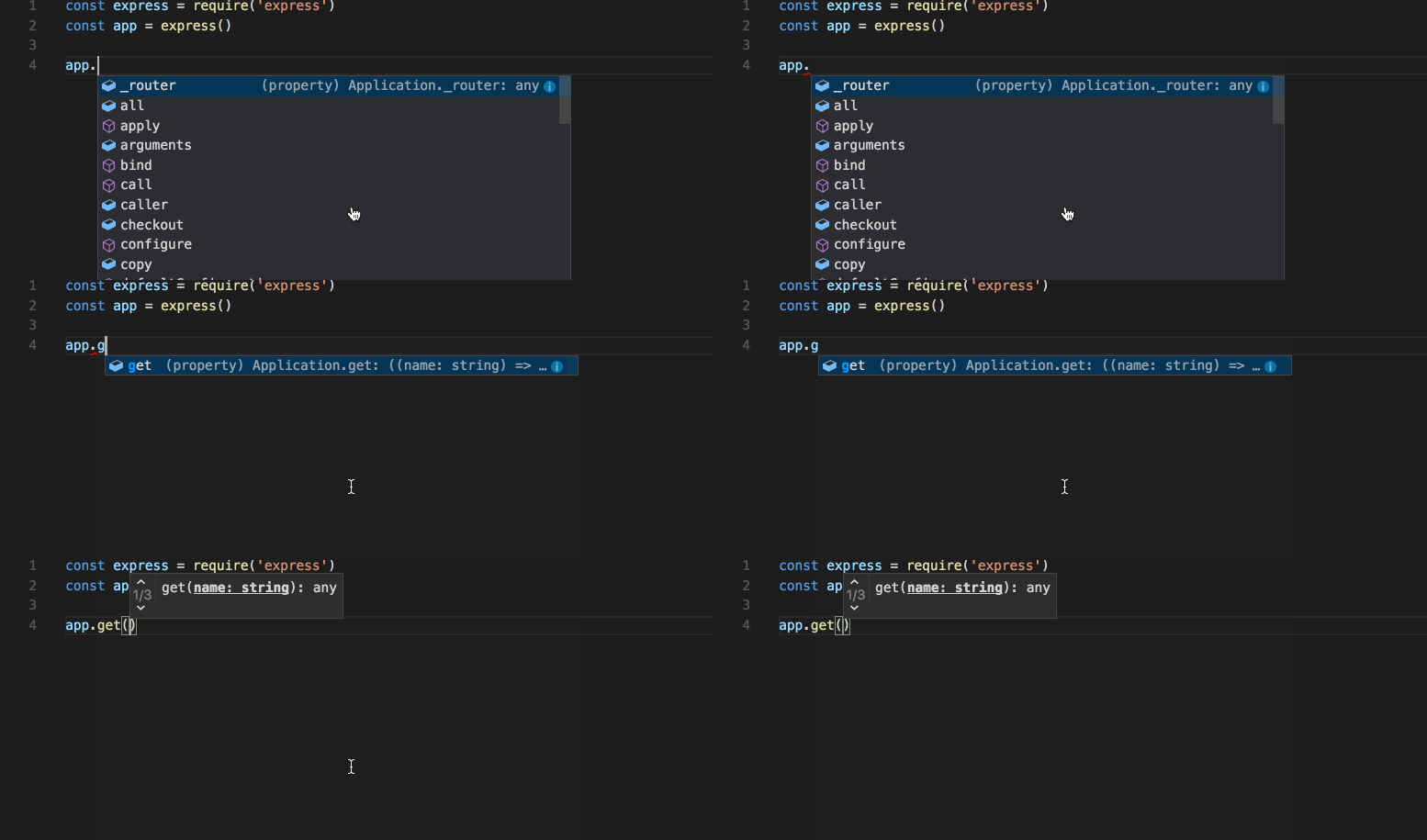
IntelliSense is a general term for various code editing features including:
•code completion
•parameter info
•quick info
•member lists
IntelliSense features are sometimes called by other names such as "code completion", "content assist", and "code hinting.“
VS Code supports word-based completions for any programming language but can also be configured to have richer IntelliSense by installing a language extension.
Better Comments
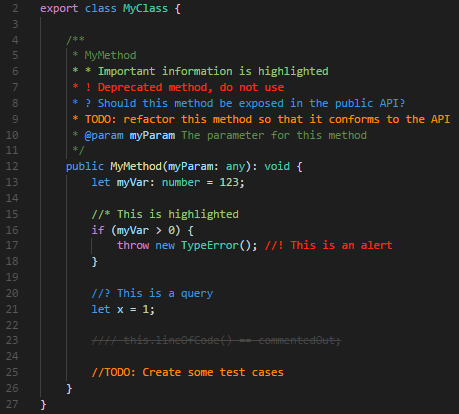
The Better Comments extension will help you create more human-friendly comments in your code.
With this extension, you will be able to categorize your annotations into:
•Alerts
•Queries
•TODOs
•Highlights
•Commented out code can also be styled to make it clear the code shouldn't be there
•Any other comment styles you'd like can be specified in the settings
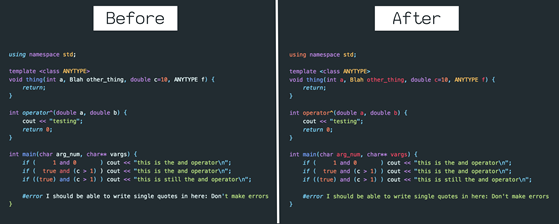
Better C++ Syntax
This will get you the bleeding-edge syntax highlighting for C++. Which means your theme will be able to color your code better. VS Code starting using it as the official source for C and C++ highlighting. It adds:
•Parameter highlighting
•Highlighting of embedded assembly code
•Function-pointer highlighting
•Lambda highlighting
•C++14 literal support (100'000ms)
•Template definition syntax highlighting 、
•Better object identification
Additional specificity for many existing tags
Draw.io Integration
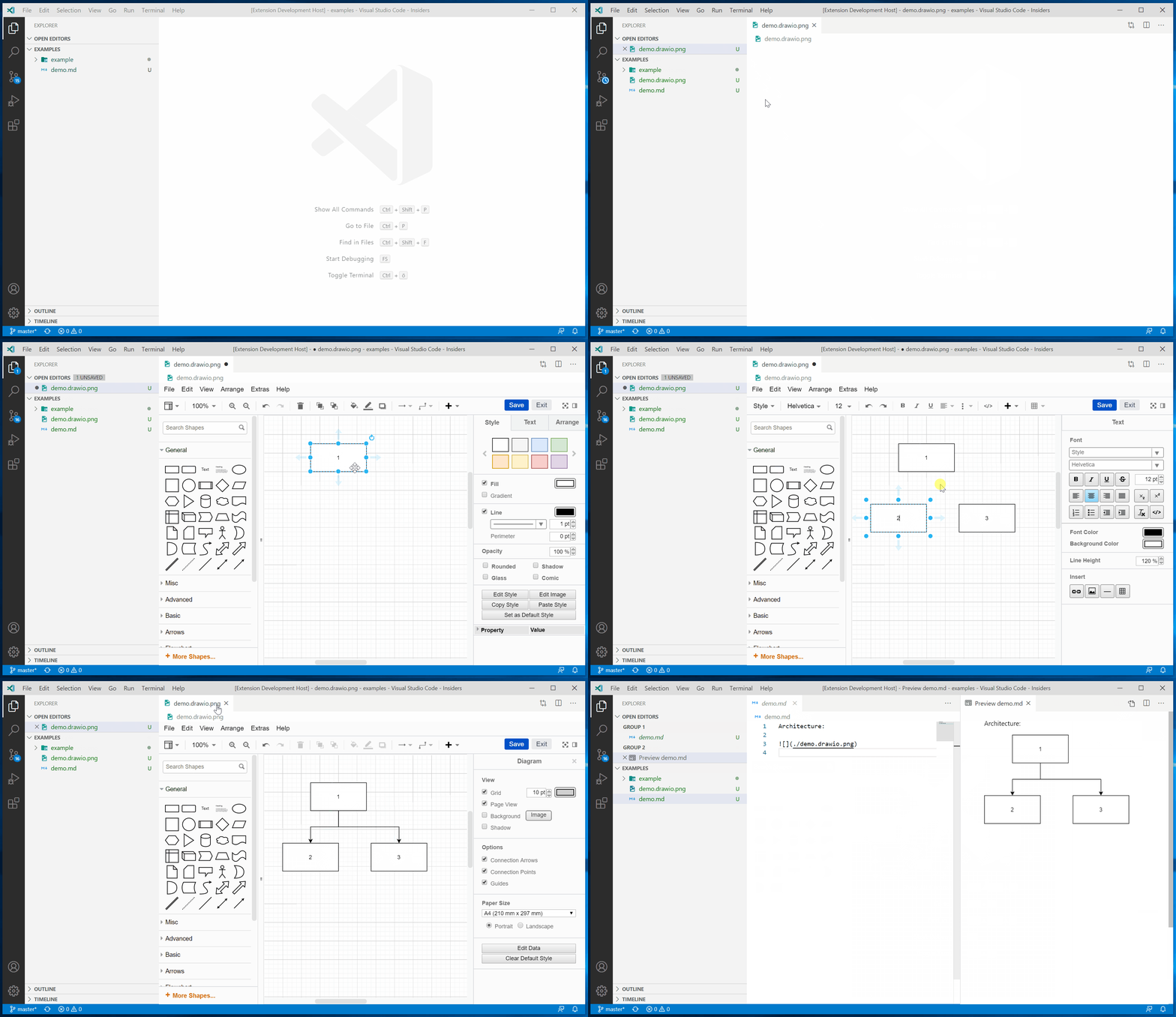
diagrams.net (formerly draw.io) is free online diagram software. You can use it as:
•flowchart maker
•network diagram software
•create UML online
•ER diagram tool
•design database schema
•build BPMN online
•circuit diagram maker
And more.